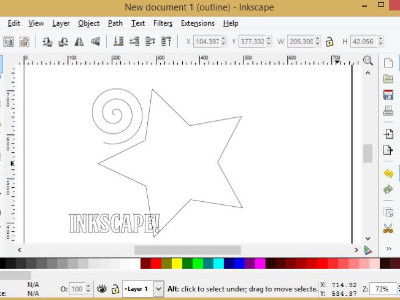
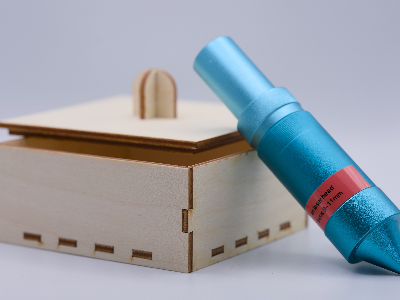
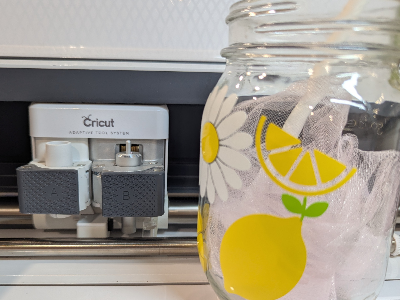
Learn how to navigate Inkscape and make vector drawings to cut on Cricut or laser cutters.
Concepts covered include:
- vector vs bitmap
- place, resize, rotate and move shapes
- fill and stroke
- duplicate vs copy and paste
- align and distribute shapes
- group and ungroup
- path operations (union and difference)
- text and text to path
Computers are provided, but if you prefer to use your own, please install the latest version of Inkscape, available for free download at https://inkscape.org/, prior to the class. A mouse will be very useful too!
Ages 12 and up
English Class