Archives: Activities

  • Introduction to Tinkercad

    Introduction to Tinkercad

    Learn to use Tinkercad, an online 3 drawing platform, to create models for the 3D printer.

  • Pattern of the month meet-up

    Pattern of the month meet-up

    Free for our members!

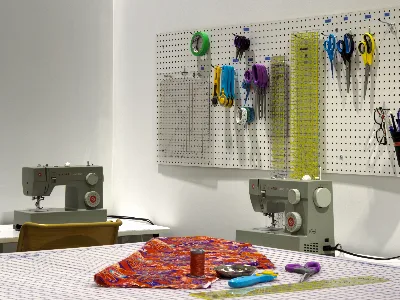
    Fabzone is pleased to present the pattern of the month club. A volunteer run project where we offer you patterns, templates and techniques so you can add your flair to the project.

    We hope to create a community of curious and creative people that will initiate a wave of new ideas and perspectives.

    Come join us at 7:30pm on the first Thursday of the month when we introduce the pattern and discuss fabrics, tweeks, and techniques to make it your own. A handout will be provided on this date, while patterns and instructions will be available at FabZone.

    Technique demos may be offered during the month, but we encourage members to swap ideas in our Discord chat, or during Fabzone open workshop hours.

    All you need to bring is yourself! 


  • Repair Cafe

    Repair Cafe

    FabZone’s Repair Café is more than an event – it’s a community ritual built around creativity, sustainability, and the simple joy of fixing things together. A few times a year, FabZone opens its doors to anyone with a household item that’s broken, worn down, or simply not working the way it used to. Instead of throwing these objects away, participants bring them to a welcoming space where volunteer repairers share their time, tools, and know‑how. The atmosphere is friendly and hands‑on: people gather around worktables, chat with neighbours, and learn practical skills while giving their belongings a second life.

  • Introduction to Tinkercad

    Introduction to Tinkercad

    Learn to use Tinkercad, an online 3 drawing platform, to create models for the 3D printer.

  • Cedar bird house

    Cedar bird house

     Build Your Own Birdhouse! 
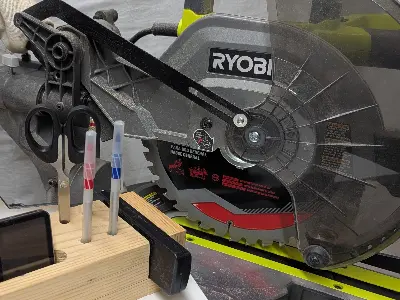
    Interested in learning woodworking in a safe, friendly environment?
    This hands-on workshop is perfect for you!

     In just 3 hours, you will learn how to:
     measure and mark wood accurately
     make straight and angled cuts
     use a drill press
     assemble your project using a pneumatic nailer
    And the best part?
     You’ll go home with your very own birdhouse!

    ✔ All materials included
    ✔ No experience required
    ✔ Safe, guided instruction

     Safety requirements:
     Closed-toe shoes required
     Avoid loose clothing (short sleeves recommended)
     Remove jewelry
     Tie back long hair
     Safety glasses and masks will be provided

    Limited spots available — reserve your place today!

  • Introduction to crochet

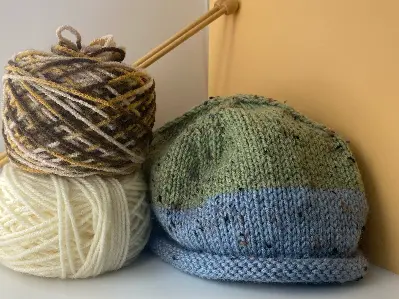
    Introduction to crochet


    This course is for beginners.

    Lesson 1: The basics

    •    Holding the hook and making a slip knot

    •    Making a chain and mastering the single crochet stitch

    •    Identifying the parts of the stitches

    Lesson 2: Counting stitches and keeping your edges straight.

    •    Learn how to count stitches

    •    Know when to finish your row.

    •    Make a chain and change direction

    •    Tip: we're going to use stitch markers!

    Lesson 3: More stitches

    •    Double crochet

    •    Half double crochet

    With these concepts, you will be able to make scarves, washcloths, or other rectangular items.

  • Make a laser cut box

    Make a laser cut box

    Make a custom wooden box using the online box generator Boxes.py.

    Learn how to:

    • create the cut file
    • send instructions to the laser
    • assemble the box


  • Introduction to the Cricut cutter

    Introduction to the Cricut cutter

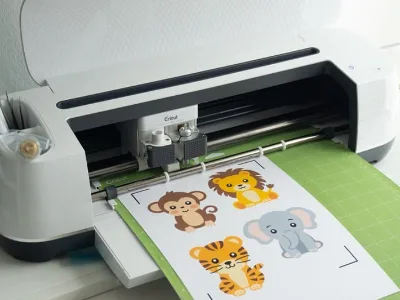
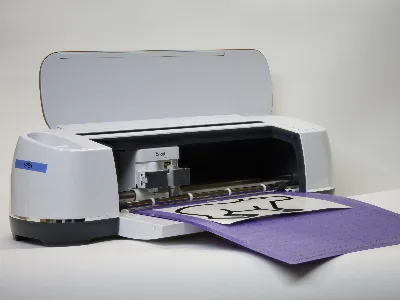
    Learn to use Cricut Design Space and the Cricut cutter to make a heat transfer or adhesive decal. Students will also learn how to apply their decals to a shirt, mug or other item.

  • zippers

    zippers

    Learn about different types of zippers and how to sew them into your clothes, bags or cushions.

    This is a technique class – students will practice on scrap fabrics

  • Tinkercad II

    Tinkercad II

    Add to your Tinkercad skills by using the ruler and workplane tools. With these extra features you will be able to create complex models for 3D printing